EDI connector controls
Instructions for controlling the EDI connector"
If you have EDI Connector 2.0 or higher installed, an EDI Connector directory will be created in the Microsoft Start menu.
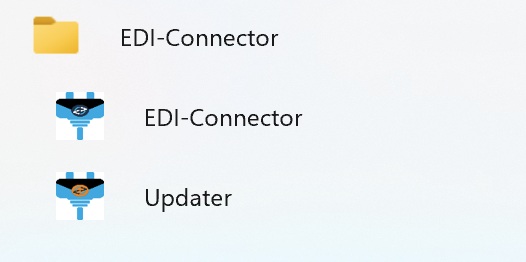
There are two menu items here:
A. EDI Connector: This will restart the installer, which will then offer you the menu items described under Installation / Point 14.
B. Updater: This checks whether a more recent version of the EDI connector is available. If so, you will be offered the option to update.
Of course, the EDI connector can also be accessed and controlled in the list of Windows services.
In addition, the client can be run without an installer via the Windows command prompt (CMD).
Last modified March 18, 2026